Session trace
Exhibit 00 · The Packet Range

Your CI is the hazard. Your house is the asset.

Egress runs your GitHub Actions on the Macs, PCs and Linux boxes you already own. Every job gets a machine of its own and a kernel that won't let it touch anything else on your network.

Six destinations. Five of them are on your network. One of them isn't.

GuestKernel packet filterInternet
Standby Pick a destination. The filter is a pf anchor on macOS and an nftables chain on Linux and WSL2.
Five get dropped at the kernel. One gets through. The counter in the header is yours.
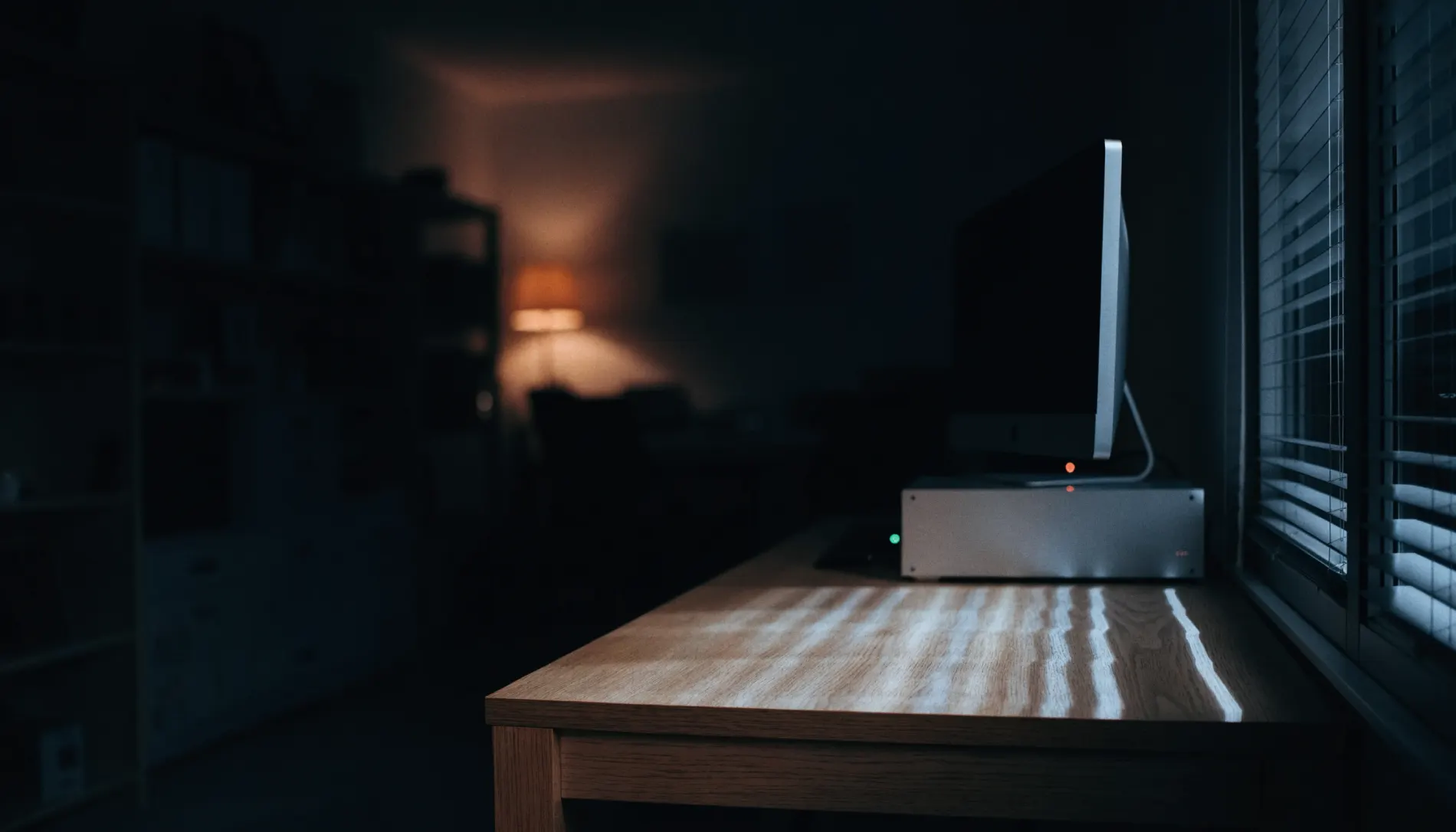
Exhibit 01 · The Blast Radius

Every self-hosted runner conversation dies on the same sentence.

"You want to run other people's code on our network?" It's a fair question and most setups don't have an answer. A runner installed on a host OS can see everything that host can see, and a poisoned postinstall script is one npm ci away from finding out what that is.

Tick off what's actually on your network. The graph draws what a compromised build step can reach.

Note: default-deny with a named exception list, not a sealed box. GitHub and the package registries you build against stay reachable, because otherwise nothing builds. The filter contains what a bad dependency does; it doesn't judge what the dependency is.

Network reachability graph from a CI runner to your local assets Your network
Ordinary self-hosted runner 6 of 6 reachable
Exhibit 02 · The Specimen Cell

Runners rot. These ones don't live long enough.

The self-hosted runner that broke your Friday probably didn't get hacked. It accumulated. A stale node_modules, a drifted toolchain, a wedged Docker daemon, a job that half-finished and left the box in a state nobody could name.

Egress registers every runner with --ephemeral. One job, then the guest is destroyed and a clean one takes its place. There's no state to drift because there's no state.

Write a file in job one. Run job two. Go looking for it.

RunnersEgress · Mac Studio
runner-mac-01macOS · arm64idle0s
runner-mac-02macOS · arm64idle0s
GuestAwaiting job
Guest — none
Job 1 writes a file into the guest.
Exhibit 03 · The Roster Shipping next

Your Mac Studio is unemployed fourteen hours a day.

It's idle from the moment you close the lid until you sit back down, and all weekend. So is the office iMac, and so is the gaming PC every hour nobody's gaming on it. That's the fleet you already bought.

A dark, empty home office at night. A desktop machine on an oak desk sits awake, its status light on, with nobody in the room.
03:14 · nobody homeAwake, idle, and drawing power anyway. Fourteen hours of this every weekday, plus the whole weekend.

Drag hours onto a ring and the board re-flaps. Jobs that had nowhere to go get a node.

Drag around a ring to paint or clear a shift.

JobPlatformNodeStatus
03:00
CI demand Fleet on shift
On shift 3 of 3 Lanes available 14 Queue depth 0

There's a security argument here too, and it's the one people miss. A machine that's off shift isn't holding a token, isn't polling for work and isn't accepting jobs. It isn't running, so there's nothing on it to compromise at 3am. Availability is an isolation axis, same as the network and the filesystem.

Note: the roster is the one thing on this page that isn't built yet. Everything else here ships today. This is what's next, and it's the reason the section is this big.

Exhibit 04 · The Balance Beam

Load the arms. One of them will stop you.

Linux takes as many runners as the box has cores for. Windows the same. The macOS arm accepts two and then refuses, because Apple's licence says two virtual macOS instances per physical host and nobody gets to sell you around it.

Egress enforces it in software, so your build farm is legal by construction rather than by everyone remembering.

macOS guests Capped at 2 · EULA §2.B.iii
0 / 2
Refused · §2.B.iiiApple's licence permits two virtual macOS instances per physical Mac. Want more macOS lanes? That's another Mac.
Linux guests Uncapped
0 lanes
Windows guests Uncapped
0 lanes

Foot: two macOS guests per Mac. Uncapped Linux and Windows guests on the same Mac, and on every other box you own. If you need more macOS lanes the answer is another Mac, and it's better to learn that here than after you've paid.

Exhibit 05 · The Mesh

Two machines, one six-digit code, no account.

Machines find each other on the local network over mDNS. You read a six-digit code off one screen and type it into the other. They agree a key with X25519, store each other's Ed25519 identity in the OS keychain, and from then on either one can watch the other's queue, cancel a job on it, or hand it work.

Nothing goes through a server of ours, because there isn't one.

Mac Studio
Discovered
Pairing code
419062
mDNS · _egress-ci._tcp.local
Windows tower
Discovered

Note: the code is out of band on purpose, which also means anyone who can read your screen at that moment can pair with you. Thirty seconds of physical trust, and then it's cryptographic.

Exhibit 06 · The Firing Cell

It attacks itself before anything else gets the chance.

egress audit --simulate-adversary boots a throwaway guest and runs the attacks a compromised build step would run. LAN sweep, IMDS token theft, DNS tunnelling out over port 53, ARP spoofing. Then it prints the matrix and exits non-zero if a single probe reached anything.

You get the whole matrix, amber rows included.

$ egress audit --simulate-adversary exit —
Exhibit 07 · The Seal

The number from the front of the hall, pressed into the receipt.

Every build can emit a signed in-toto SLSA v1.0 attestation: digests of the source, the workflow and the outputs, signed with the node's Ed25519 identity, with the packet filter's drop counter inside the signed predicate.

It's the difference between telling a client your CI is isolated and handing them something they can verify offline with egress verify-attestation.


0 DROPPED

Your count from Exhibit 00, in the signed predicate. Fire more packets at the range and press again.

Exhibit 08 · The Fleet

Nodes do the work. Monitors watch it.

A licence counts computers, not seats, and it counts both kinds. Put the phone on it.

Nodes · run the builds

Mac

Node + monitor

Apple Silicon. MicroVM guests through Virtualization.framework, two macOS lanes, uncapped Linux lanes beside them.

Windows

Node + monitor

WSL2 and Hyper-V. Containers in an isolated Linux kernel, nftables quarantine, as many lanes as the box will carry.

Linux

Node

Containers, nftables quarantine, headless. The box in the cupboard that was already on anyway.

Monitors · watch and control

iPhone

Monitor

Queue depth, live telemetry, and a stop button. Cancel a job from the pub.

iPad

Monitor

The full dashboard: every node, every runner, every drop event, on the sofa.

Mac & Windows

Monitor mode

Any node can be set to monitor only. Zero local runners, full sight of the mesh.

The Ticket Desk

Pay once, or don't pay at all.

One-time licence. No subscription, no per-minute billing, and no seat count that grows when your team does.

Workshop
5 computers · nodes and monitors
$49.99once
Buy a licence Every feature
Yard
25 computers · nodes and monitors
$199once
Buy a licence Same software
Or take it for nothing
Skip the payment. Not a trial, not a feature-gated build; the same app, free, for as long as you want it.
$0skip payment
What the licence is
If it ends up carrying your builds, the licence is there.
001One-time fee, no subscription
002Lifetime licence, perpetual
003Every feature in every tier
004Nodes and monitors both counted
005Mac, Windows, Linux, iPhone, iPad
006No account, no server, no telemetry
007Free download, fully featured
Appendix · What Egress does not do

The bits a page like this usually leaves out.

01

It contains a bad dependency; it doesn't detect one.

The filter stops a malicious postinstall from reaching your NAS. It won't tell you the package was malicious, and an allowlisted registry will still serve you whatever it's serving.

02

Two macOS guests per Mac, and that's Apple's number.

No amount of software gets around §2.B.iii. More macOS lanes means another Mac.

03

Pairing trusts whoever can see your screen.

Six digits, out of band, for about thirty seconds. That's the design, and it's worth knowing about.

04

Self-hosting moves the maintenance to you.

Your electricity, your SSD wear, your box that needs a reboot. Cheaper than hosted minutes isn't the same as free.

05

The roster isn't shipped.

It's next, and it's on this page because it's worth telling you about, not because you can use it today.